What is Dangerzone, and why should I use it?
Dangerzone is a desktop application that helps you sanitize untrusted documents into safe PDFs. It supports more than 20 file types, including PDFs, all major office-suite formats, and the most common image types.
This is especially useful for journalists and activists, who may be targeted by law enforcement and bad actors.
It is a free and open source project, maintained by Freedom of the Press Foundation (FPF), a nonprofit organization that protects and defends press freedom.
You can read more about "How Dangerzone works", but the quick summary is this:
- You give it a document you don't know if you can trust (for example, an email attachment)
- Inside of a sandbox, it converts it to raw pixel data (a huge list of RGB color values for each page)
- Then, outside of the sandbox, it reassembles this pixel data and generates a PDF from it
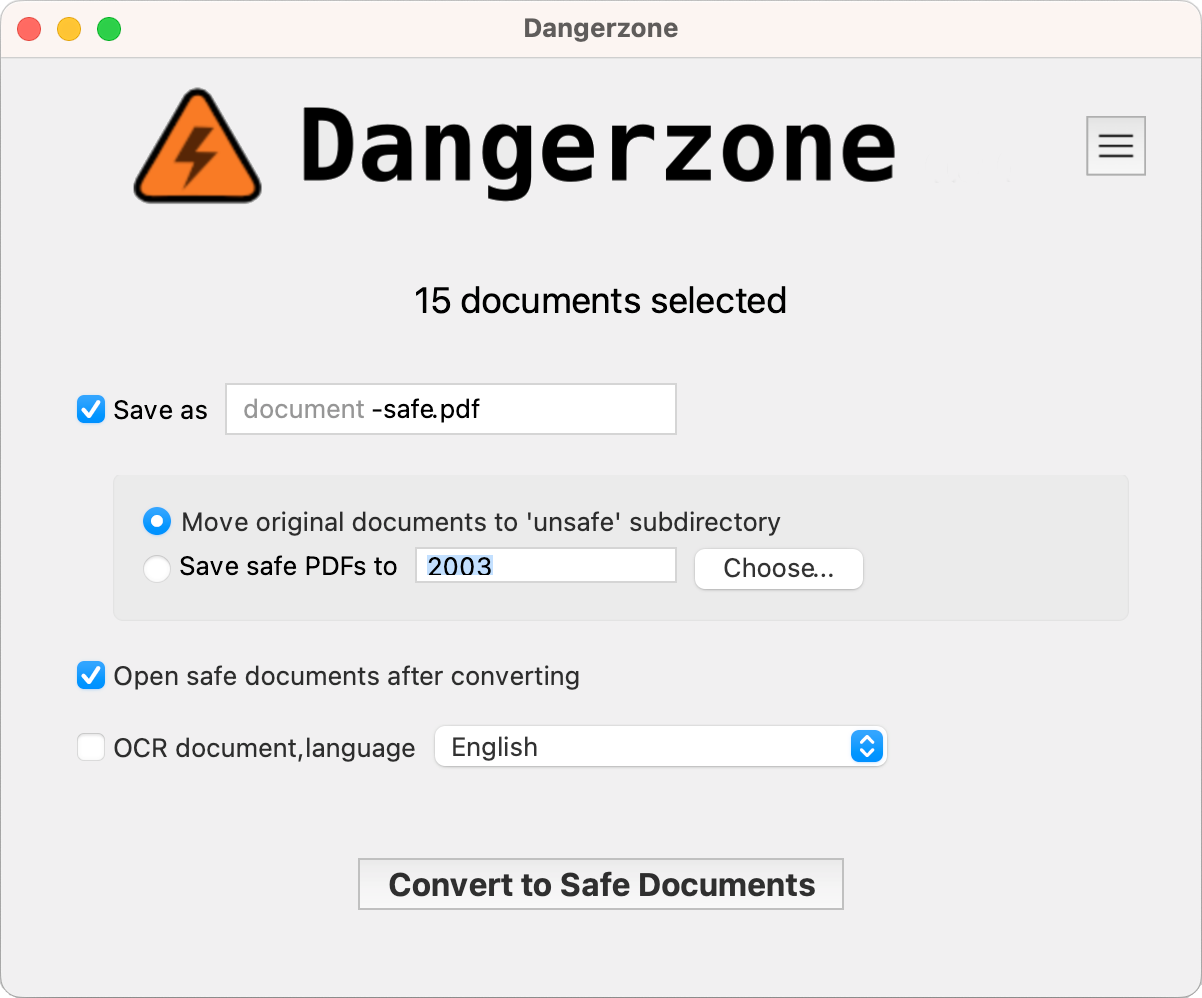
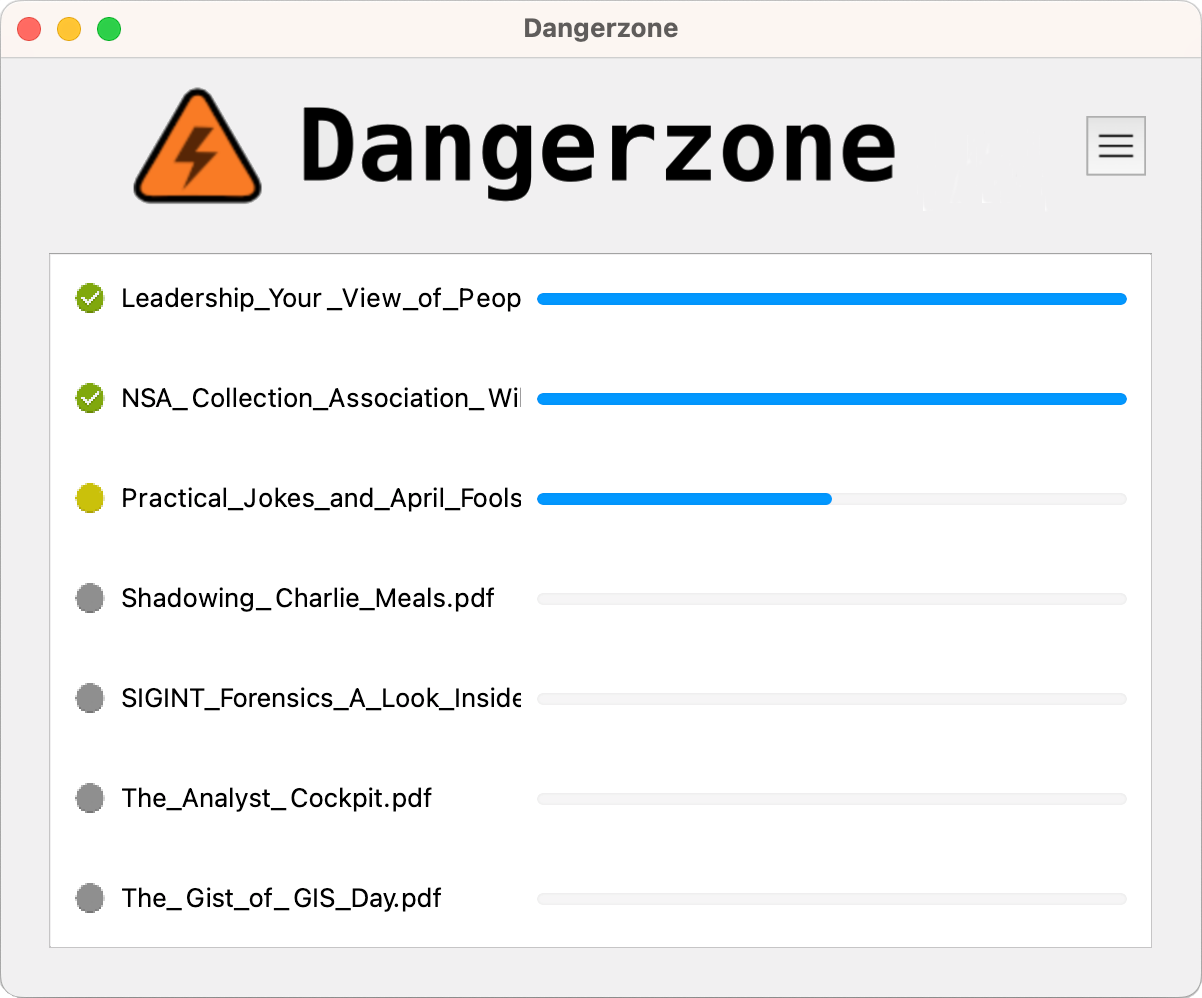
Features
- Sandboxes don't have network access, so if a malicious document can compromise one, it can't phone home
- Dangerzone can optionally do character recognition on the safe PDFs it creates, so they are searchable
- Dangerzone can convert many types of documents into safe PDFs.
Download this documentation for offline use
If you prefer, you can also download this documentation as a PDF.
This documentation is organized in the following sections. Pick the one that matches what you are trying to do.
-
Tutorials (start here if you are new)
Learn how Dangerzone works and:
-
How-to guides
Step by step guides to install on your platform, do more technical things like verifying signatures, updating the sandbox, building packages… or cutting a release.
-
Reference
Descriptions of the command-line tools, settings, environment variables, supported platforms and formats, as well as our security policy.
-
Explanation
What Dangerzone is and when to use it, a FAQ, and the design behind the sandbox and the security model.
Get help
- Read the FAQ.
- Report bugs and ask questions on the issue tracker, following Report an issue.
- Want to help? Pick up an issue labelled good first issue and set up a development environment.
- Report security issues, following the security policy.
- Follow release announcements on Mastodon and on the official site.
See also
- GIJN Toolbox: Cutting-Edge — and Free — Online Investigative Tools You Can Try Right Now
- When security matters: working with Qubes OS at the Guardian
Dangerzone is developed by the Freedom of the Press Foundation and licensed under the AGPLv3. See the third-party notice for the software it depends on.